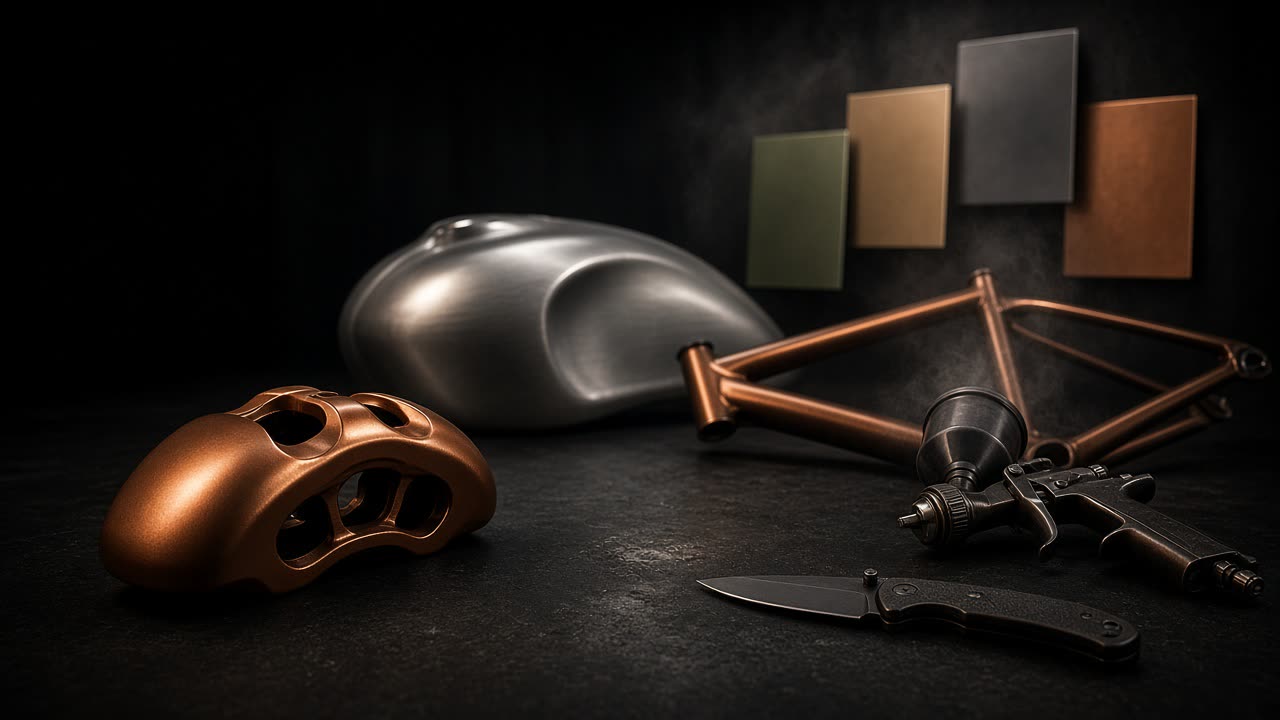
The digital test panel
Sell the finish before you spray it.
Upload a photo of the part. Click a section, pick a Cerakote color, send your customer a proof they can approve from their phone. No design skills required.
Automotive·Firearms·Knives·Motorcycles·Aerospace·Marine·Outdoor gear
Free plan, no card required · runs in your browser · photos never leave your device
242
Cerakote colors with factory codes
78
patterns — camo to comic
1 link
mockup, price & Approve button
0 uploads
photos stay in your browser
Try it right here
Hover a color. That's the whole idea.
These are real exports from the studio — the same AI selection and paint engine your customers' photos go through.
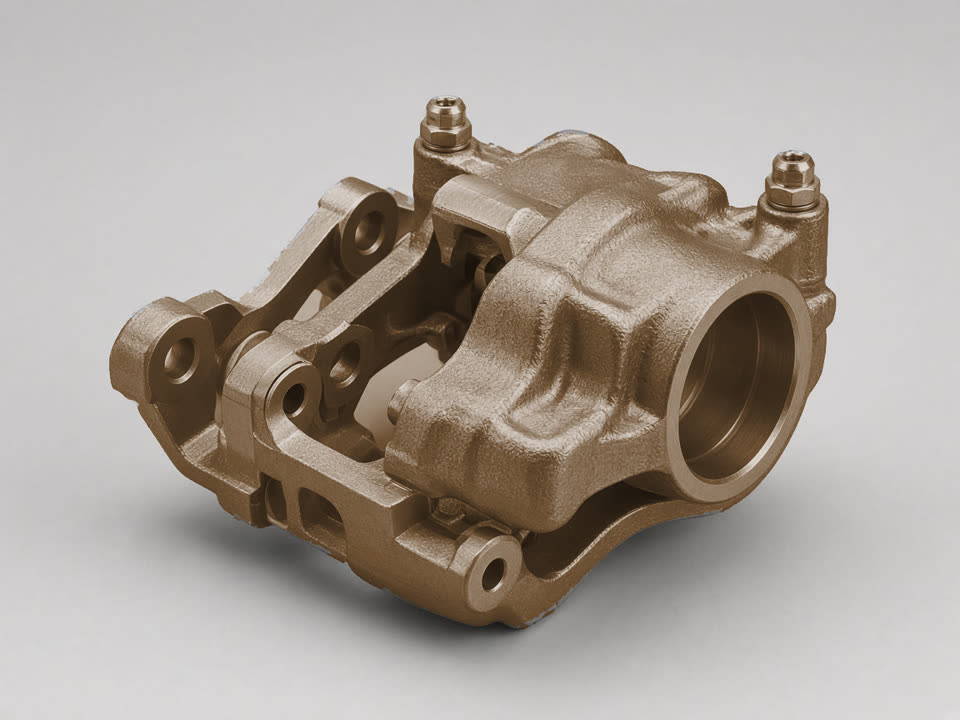
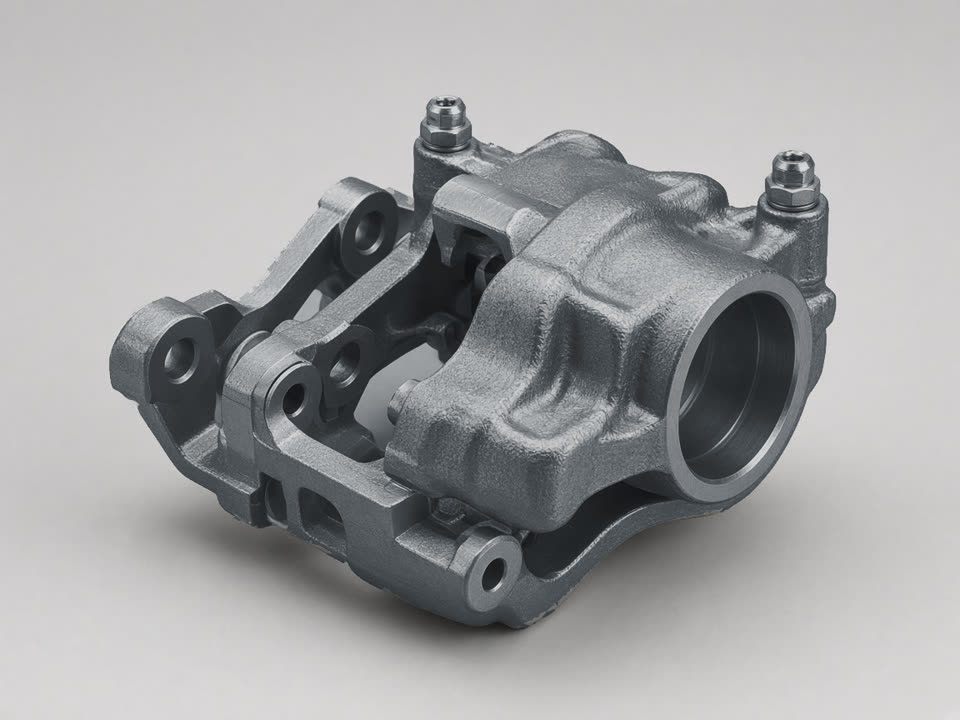
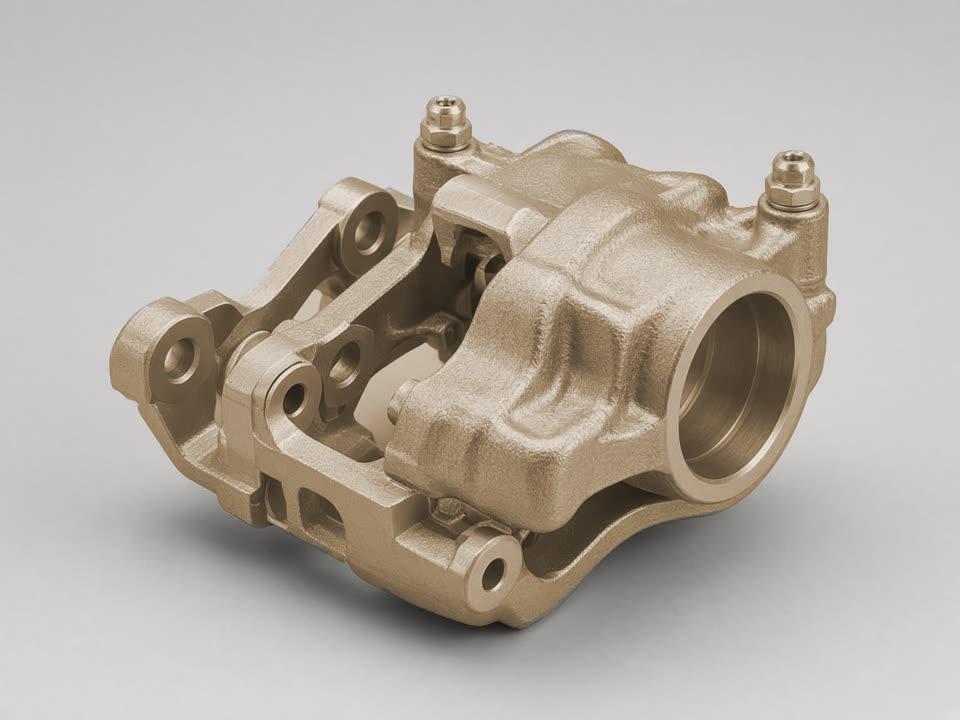
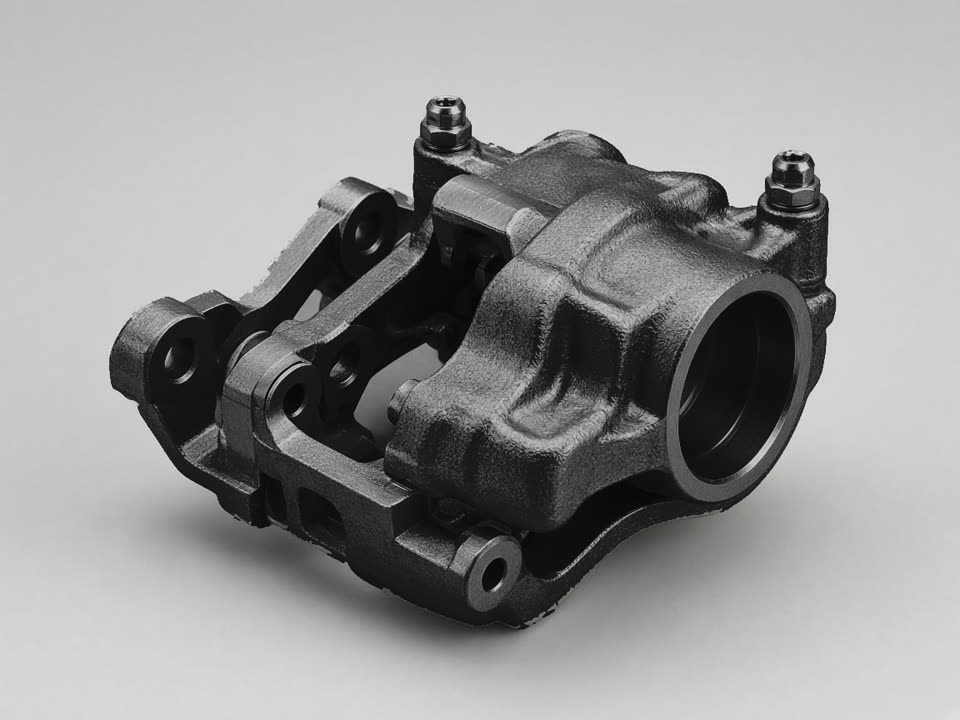
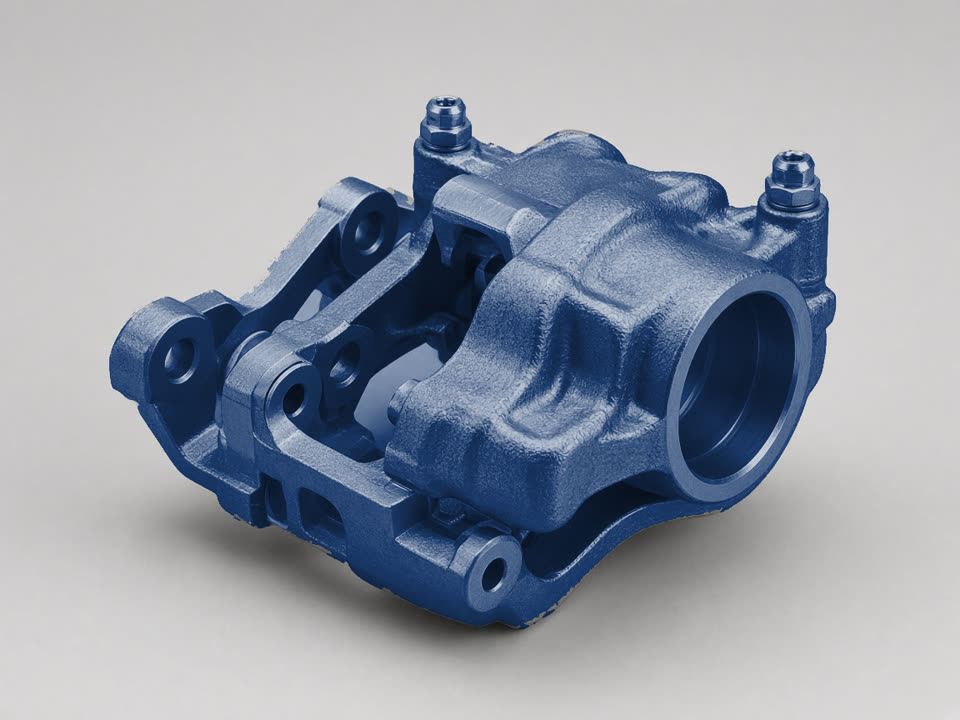
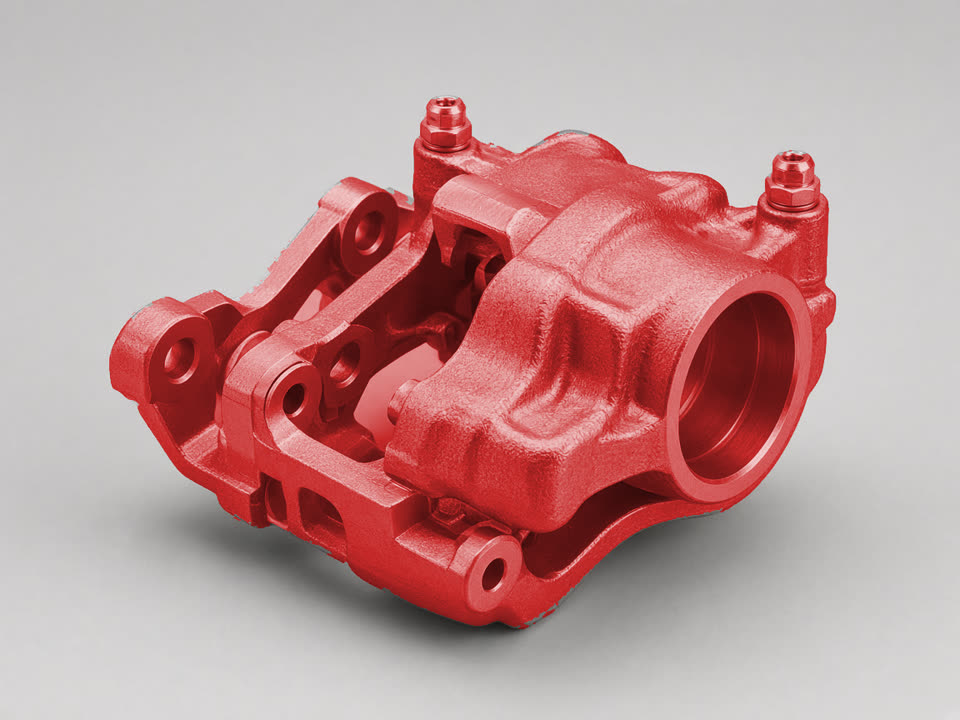 H-148 · Burnt BronzeReal output — painted in the studio
Want proof it survives the booth? See real jobs designed here, then sprayed for real →
How it works
From photo to approved job in minutes
A shop owner should get this in ten seconds. Here's the whole workflow.
Upload the part
Snap a photo of whatever's on the bench — a caliper, a receiver, a knife, a tank. Add up to six angles.
Click & pick colors
AI grabs each section with one click. Hover any Cerakote swatch to preview it live, then apply patterns and logos.
Send the proof — get paid
Text your customer a link with the mockup, spec, and price. They tap Approve and pay the deposit; when the job's done, invoice the balance online.
34 seconds
Watch a job go from words to approved
Primer to approved bronze — photo in, color on, customer taps Approve & pay. The whole loop.
Close the sale
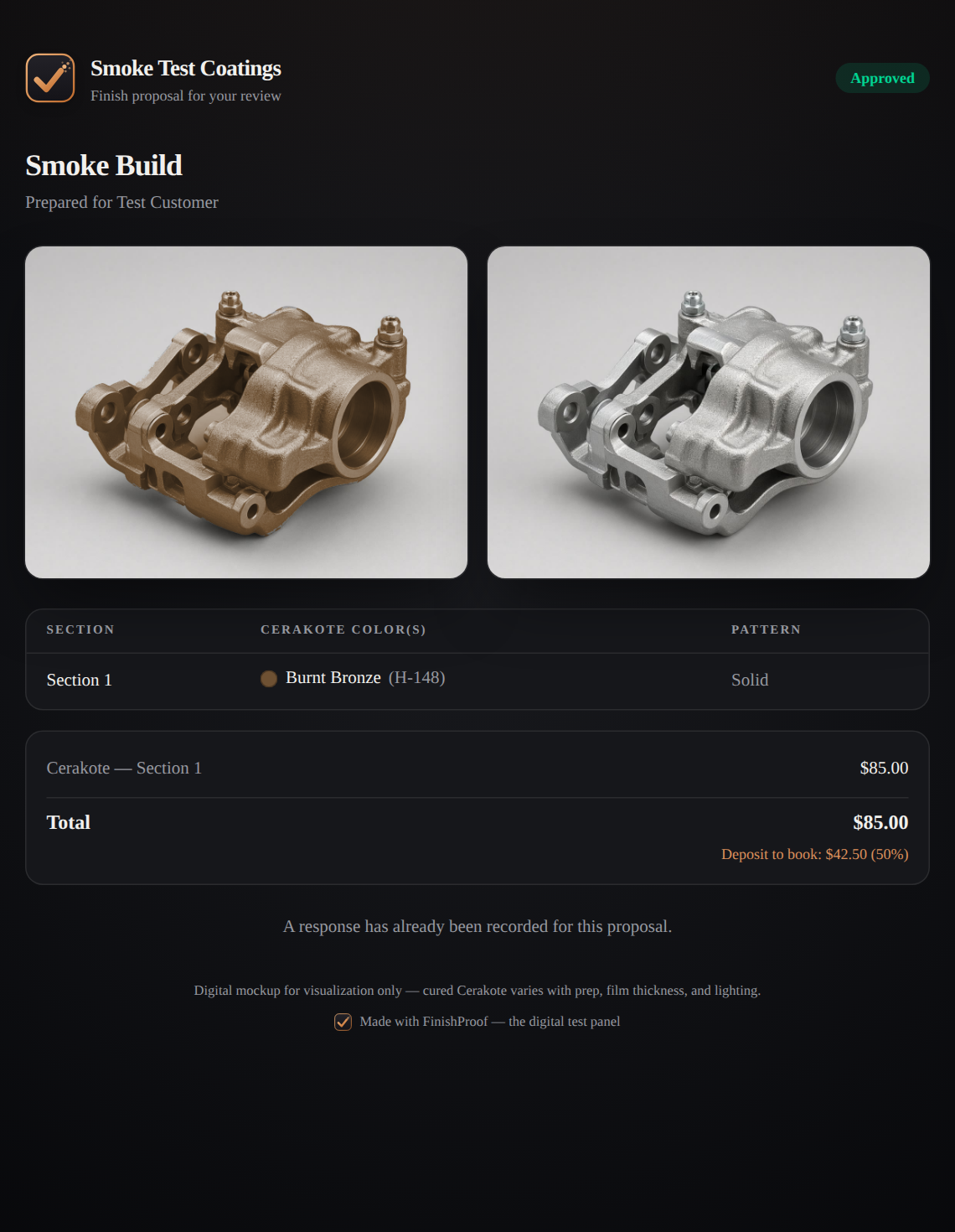
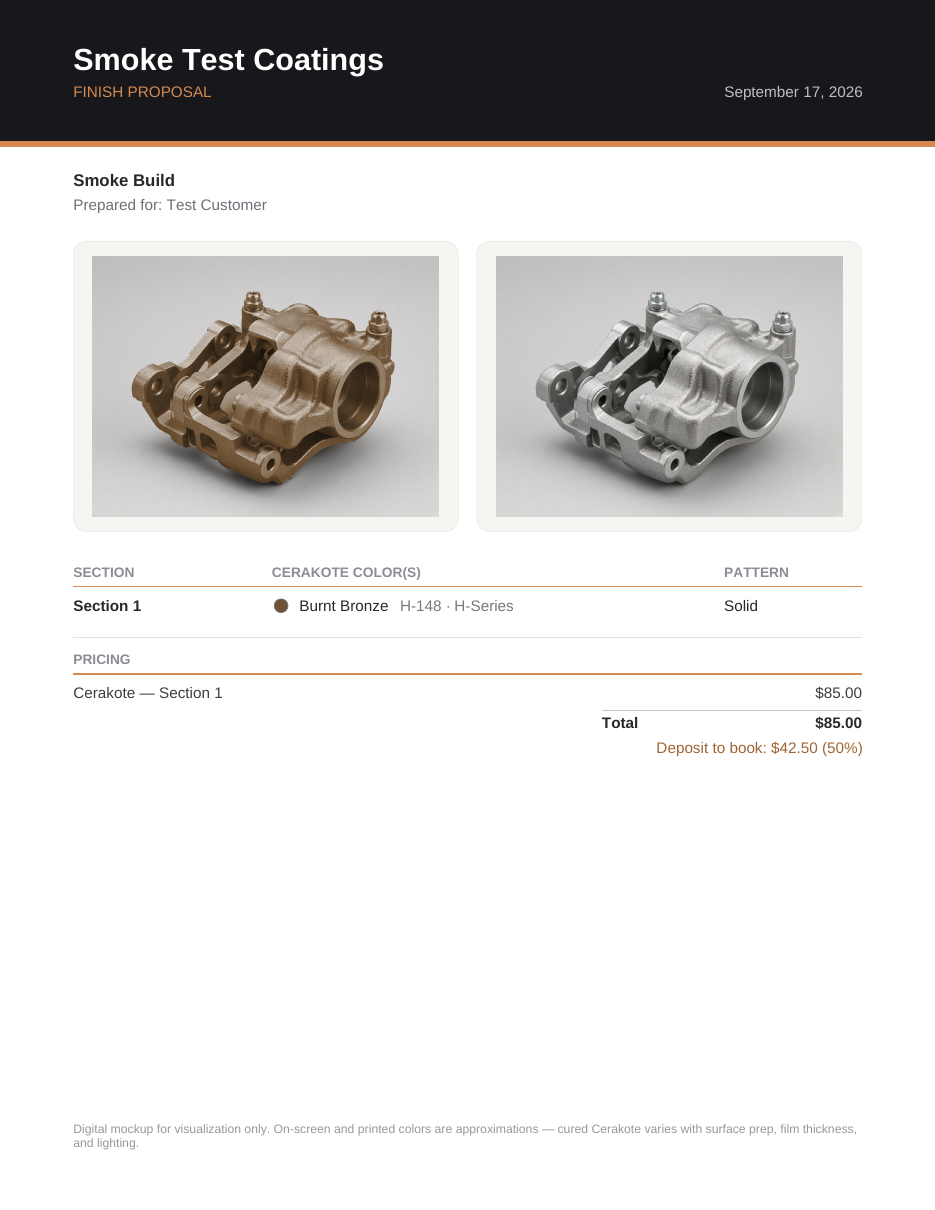
Your customer approves — and pays — from their phone
Every proof carries the mockups, exact Cerakote codes, and your price — with an Approve button and deposit checkout. When the job's done, send the invoice link and collect the balance the same way.
Built for the booth
Everything between the photo and the spray gun
AI smart select
Segment Anything 2.1 runs in the browser. Hover to preview, click to select, automatic edge sharpening.
The real Cerakote catalog
242 colors — the full public cerakote.com catalog across H-Series, Elite, F-Series, C, V, FX and more — with factory codes. Hover a swatch to try it on the part instantly.
Preview under real lighting
Flip the mockup between shop fluorescents, daylight, and warm indoor light — or dial an exact Kelvin. No more "it looked different at home."
Cut-ready stencil export
Turn any section's pattern into production files: layered SVG for stencil cutters, fine-detail SVG + PNG separations for laser marking — one layer per color, true physical scale.
78 patterns that sell jobs
Battleworn, tiger stripe, multicam, damascus, flames, cel shade, galaxy — or upload your own stencil. Up to four colors each.
Options A/B/C on one link
Build two or three colorways of the same job and send them together — the customer taps their favorite. It's a lot easier to say yes to the two-tone when you can see it on your own part.
Real quotes, not guesses
Numbered quotes (Q-2026-014) with qty × rate line items, discounts, sales tax, and an expiration date — branded PDF or approval link.
Deposits & final invoices
Customers pay the deposit at approval and the balance from a numbered invoice — card payments straight to your bank, receipts sent automatically.
Your own intake link
A permanent "get a quote" page for your counter or Instagram bio. Customers upload their part photo and land in your lead inbox — mockup-ready.
Pipeline that talks to customers
Prep → booth → curing → ready for pickup. Moving a job automatically updates your customer, so "any update?" calls stop.
Built for the whole crew
Shop plan includes 3 seats. Everyone designs under the same branding, and every job lands in one shared pipeline.
Photos never leave the browser
All photo processing — including the AI — runs on your machine. Customer parts are never uploaded to a server.
The pattern library
78 finishes shops actually spray — rendered live, right now
Every tile below is generated in your browser this second, the same way it lands on your customer's part. Browse them all →
Founding pricing
Free to design. Pay when it's closing jobs.
Founding rate: $29/mo Pro and $79/mo Shop, locked for life if you subscribe by Dec 31, 2026 — then $39 and $99 for new subscriptions. Annual plans get two months free AND 0% FinishProof fee on customer payments. Cancel anytime.
Founding rates end Dec 31, 2026
Free
The full visualizer, free for anyone.
$0forever
- Full editor: AI select, colors, patterns
- Multi-photo projects & saving
- 3 cloud jobs
- 3 customer approval links (total, not per month)
- Watermarked exports
Pro
For the solo applicator closing real jobs.
$29/month
or $290/yr with 0% platform fee
- Everything in Free
- Clean, unbranded exports
- Unlimited approval links & cloud jobs
- Collect deposits at approval & invoice the balance online
- Job pipeline that auto-updates customers by email
- Scheme options A/B/C — customer picks on one link
- Your own customer intake link + lead inbox
- Automated review collection after pickup
- Quote PDFs & booth job cards with your logo
- High-quality AI model
Shop
For shops with a bench full of jobs.
$79/month
or $790/yr with 0% platform fee
- Everything in Pro
- 3 team seats, one shared pipeline
- White-label customer pages — your brand only
- Text-message job updates to customers
- Priority support
Customer payments go straight to your bank through Stripe. FinishProof's platform fee on deposits and invoice payments is 1.5% on monthly plans and 0% on annual plans (Stripe's card-processing fee applies separately). Free accounts can send approval links and quotes but don't collect payments online.
FAQ
Questions shops actually ask
Stop describing the finish. Show it.
Get shop tips, new patterns, and product updates in your inbox — or skip the list and go straight to the studio.